New!
SQL Examiner Suite 2023Current version: 9.3.4.231
Compares and synchronizes both the database schema and its contents
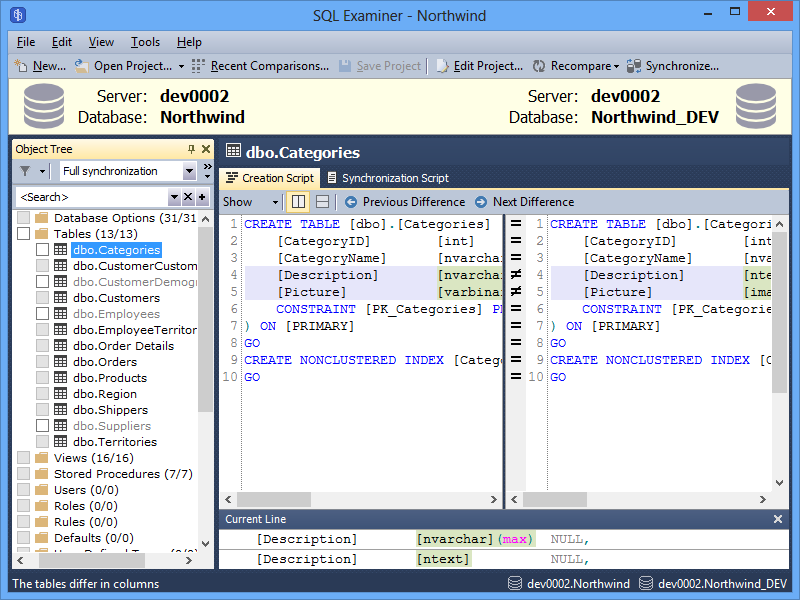
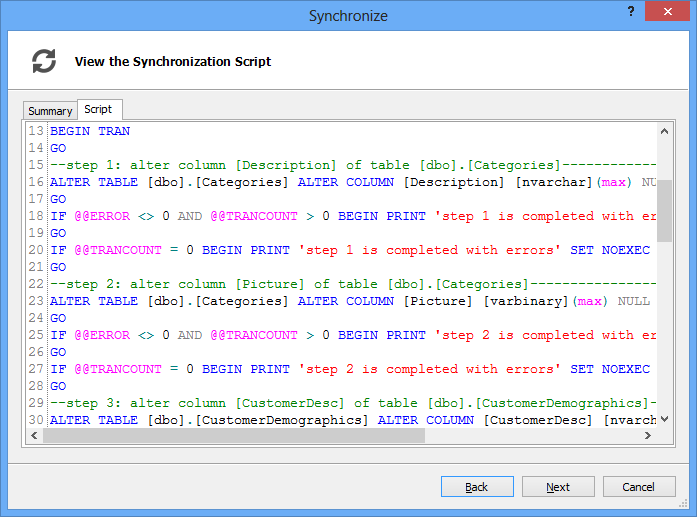
SQL Examiner compares your databases and shows the objects added, objects deleted and objects changed. Select the differences you want to copy from one database to another and have SQL Examiner to deploy these changes to a target database. Quick, simple, safe!
SQL Examiner does not forget anything: all schema updates you selected to migrate from a source database to a target will be migrated. All dependent objects in the target database will be recreated automatically, all data will remain in the database, and data integrity will not be broken.
SQL Examiner will do everything for you. In the safest possible way.
SQL Examiner works equally well with all versions and editions of Microsoft SQL Server, PostgreSQL, Oracle and MySQL. Azure SQL Database, SQL Server LocalDB, and SQL Compact are also supported.
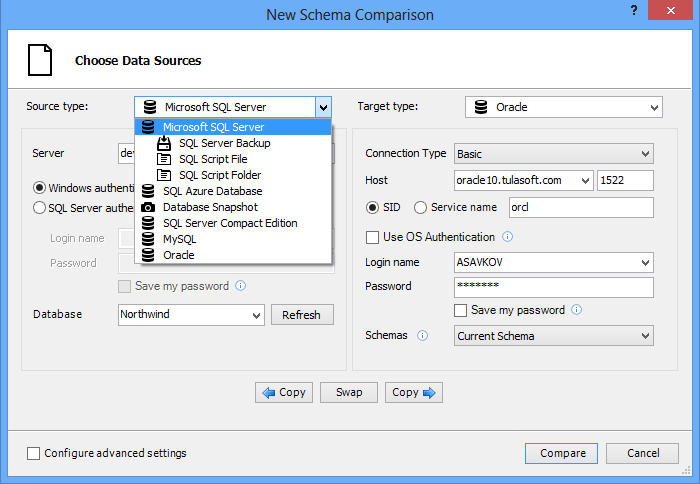
With the Professional edition of the tool, you can even copy database schemas and schema changes between different database systems: for example, from SQL Server to Oracle, or from Oracle to MySQL.
Learn more about Oracle schema comparison
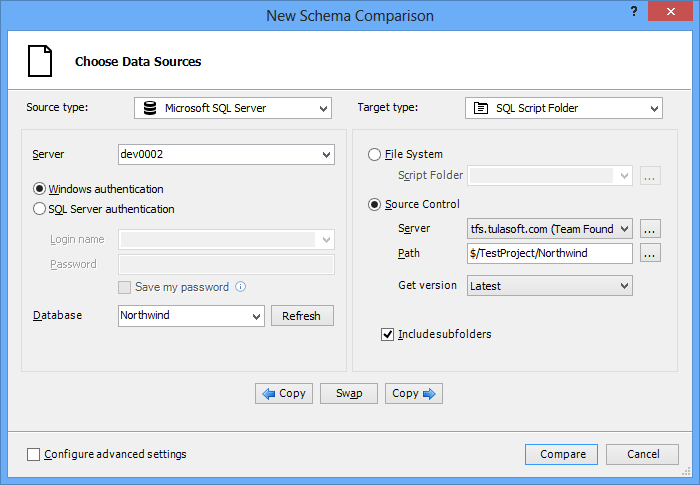
Copy live database schema to a Source Control system, deploy database from a Source Control, update database schema in a Source Control with latest changes from a development database - SQL Examiner does it all!
SQL Examiner works with Team Foundation Server, Git, SVN, Perforce, and SourceSafe.
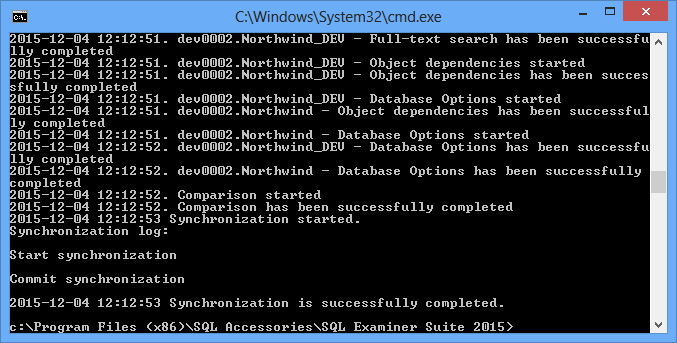
Any task performed with SQL Examiner can be configured once and launched many times with the supplied SQL Examiner command-line tool.
Command-line tool tasks can be created with an easy to use wizard that allows you to configure any program option.
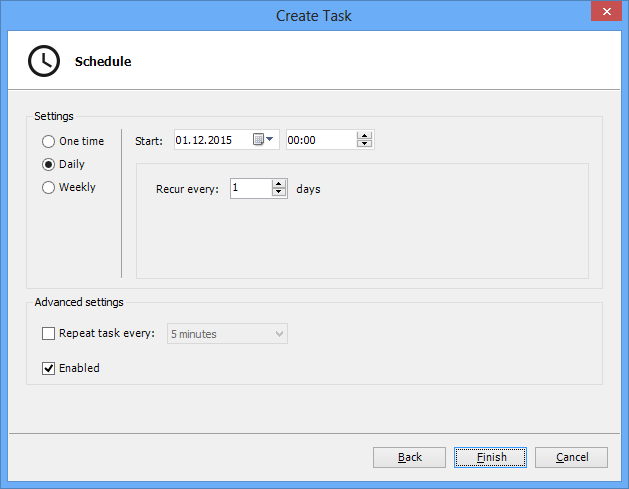
Starting with the 2015 version of the SQL Examiner you can create and manage scheduled SQL Examiner tasks directly from the program with a simple yet effective GUI.
SQL Examiner redistributable command-line tool (purchased separately) can be built-in to your applications and distributed freely. No license fees required.
Note: Some license restrictions are applied; see the End User License Agreement for details.
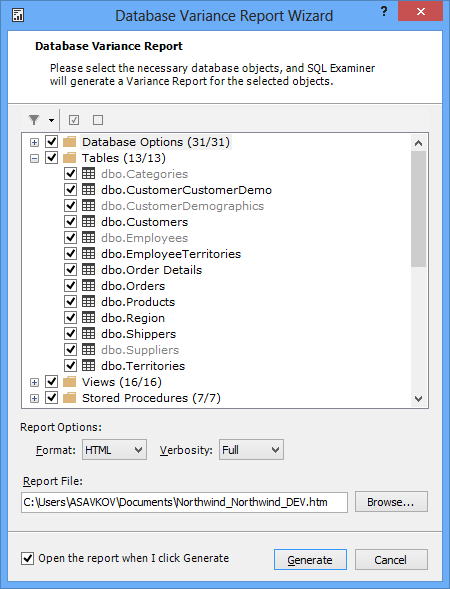
SQL Examiner generates HTML and plain-text reports, highlighting any changes the comparison has discovered. With advanced, easy to read reports, you can quickly review the differences between the two databases. Exporting of the reports to XML format allows using third-party tools to analyze the comparison results.
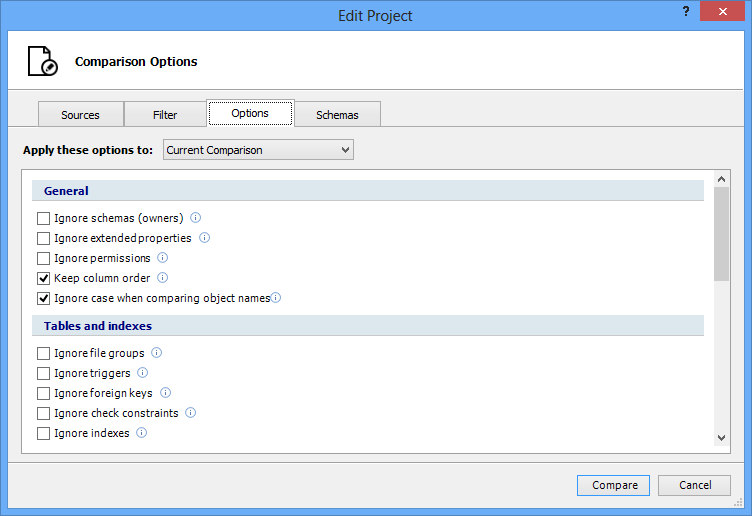
SQL Examiner allows you to configure how the program works according to your individual needs. You can configure the program to ignore some kinds of differences, map schemas in source and target databases, specify how to show SQL code, etc.
We need your feedback to make our products better. Dozens of features and hundreds of small fixes and improvements have found their way into SQL Examiner and SQL Data Examiner because of our customers comments.
| Feature | Standard | Professional |
|---|---|---|
| Supported databases | ||
| Microsoft SQL Server 7.0-2019 | ||
| SQL Server database backup (full uncompressed backups only) and detached database files | ||
| SQL Azure Database | ||
| SQL Server Compact Edition | ||
| Oracle | ||
| MySQL | ||
| PostgreSQL 9.0-13.3 | ||
| Cross-platform schema comparison | ||
| Database creation script as comparison source | ||
| Version control system integration (TFS, SourceSafe, Perforce, Git, and SVN are supported) | ||
| Script Database wizard | ||
| Support for all schema objects, including tables, views, stored procedures, etc | ||
| Support for SQL Server CLR objects, including assemblies, stored procedures, triggers, UDTs, UDFs | ||
| Schema (owner) mapping | ||
| Support for column renaming | ||
| Command-line comparison and synchronization tool | ||
| Buy from | $300 | $400 |
| We are so confident about our products that if within the first 30 days of purchase you are not completely satisfied, we’ll give you your money back. | Buy now | Buy now |
I’m very happy with SQL Examiner, you can’t imagine how much time I’ve saved in my development efforts and specially when I do releases of the applications I’m developing for my customers. It can trim my release time to production from half a day to an hour or less.
Ricardo Jasso, Entersoft
I want to tell you that the SQL Examiner Suite is a great product. Very well done. I have run it through some challenging synchronization scenarios and it hasn’t let me down once.
David Marine
You and your team have developed a great tool and delivered until now a very high level quality of support.
Michele Notari, IT Project Leader
Tupperware TEAM MBS
SQL Examiner Suite release notes are specific to to each version of the application. Select your version from the list below and see the release notes for it.
SQL Examiner Suite 2023
SQL Examiner Suite 2022
SQL Examiner Suite 2018
SQL Examiner Suite 2016
SQL Examiner Suite 2015
SQL Examiner Suite 2012
SQL Examiner Suite 2010
SQL Examiner Suite 2009
SQL Examiner Suite 2008
Here are some useful tips and articles to make your work with SQL Examiner Suite easier and more efficient.
Knowledge baseWe are convinced, that our task both provide efficient software solutions and support, when our customers need it.
Submit a request