New!
SQL Examiner Suite 2023Current version: 9.3.4.231
Compares and synchronizes both the database schema and its contents
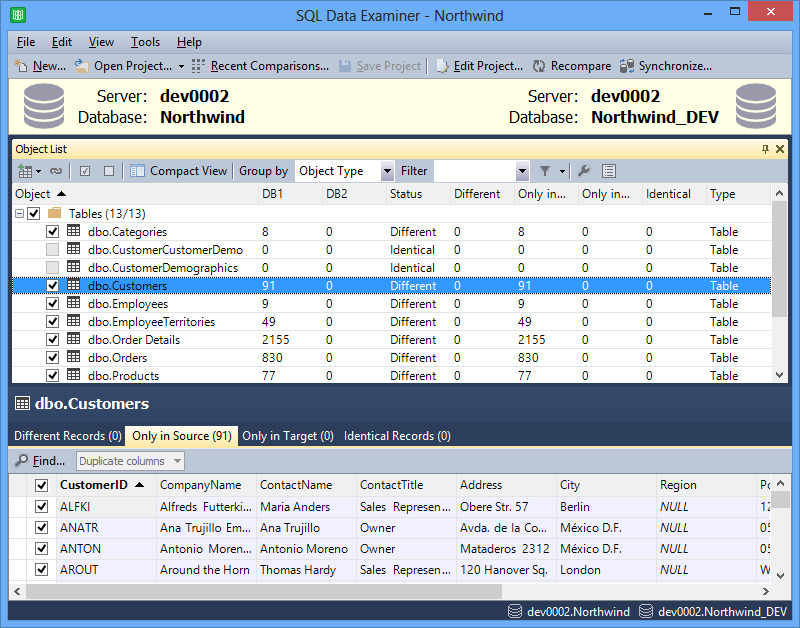
SQL Data Examiner is not just a simple data comparison and synchronization tool. With SQL Data Examiner, you can:
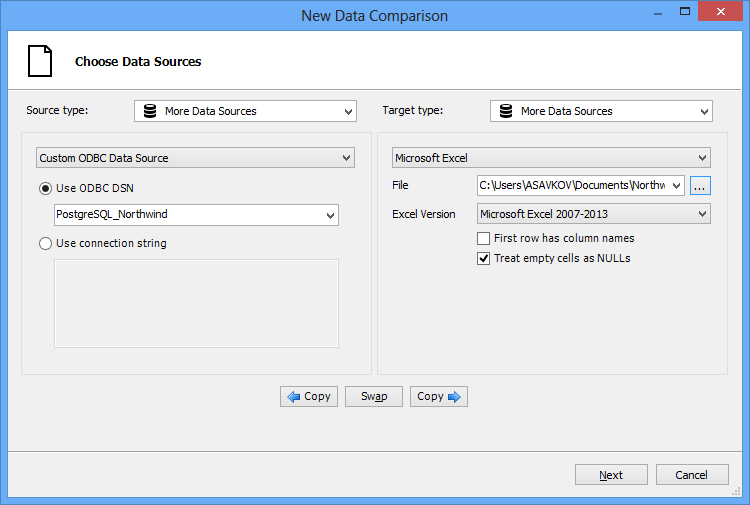
SQL Data Examiner can synchronize and compare data from any data source based on an OLE DB provider. This allows importing data from CSV and XLS files, as well as any type of files for which an OLE DB provider exists.
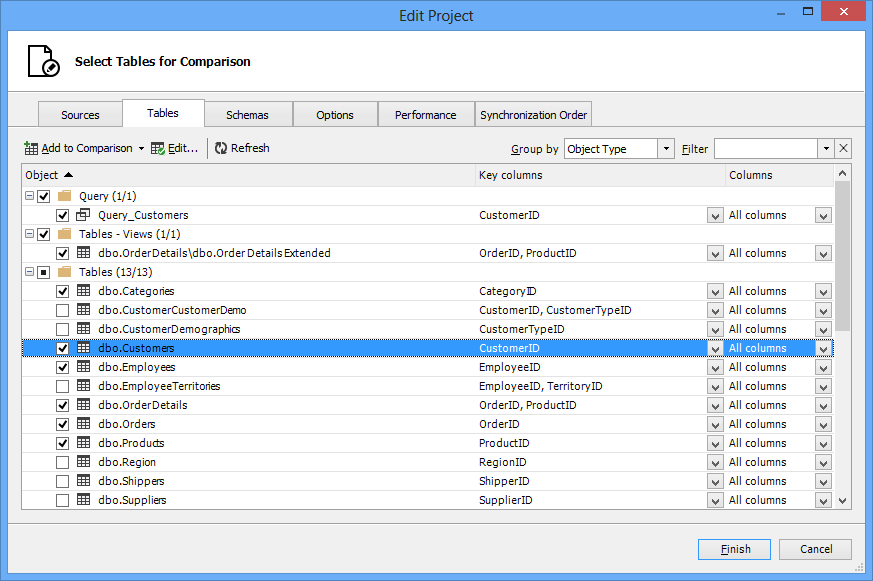
SQL Data Examiner can perform synchronization and migration of data between any databases regardless of their structure. The tool can successfully compare and synchronize data returned by SQL queries with data stored in ordinary tables. If only you can write a query to select certain data, you can compare and synchronize a database. Most importantly, the query can be either a source or a target, or the source and the target at the same time, in which case the tables referenced in that query are updated.
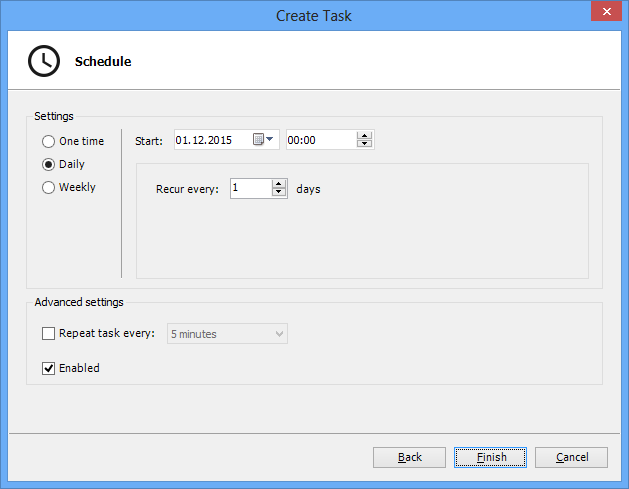
SQL Data Examiner makes database deployment and maintenance a hands-free operation. With a command-line tool supplied with SQL Data Examiner, you can perform single-click database comparison, or schedule fully automatic comparison and synchronization of databases. Click here to learn more about scheduled synchronization. The command-line tool can perform all same tasks you can do in the GUI.
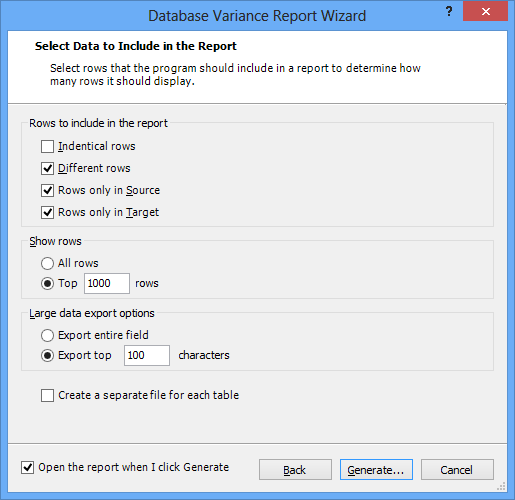
SQL Data Examiner offers HTML and plain-text reports, highlighting any changes the comparison has discovered. With advanced, easy to read reports, you can quickly review the differences between the two databases. Exporting of the reports to XML format allows using third-party tools to analyze the comparison results.
We need your feedback to make our products better. Dozens of features and hundreds of small fixes and improvements have found their way into SQL Examiner and SQL Data Examiner because of our customers comments.
The program is available in 2 editions. The Standard edition offers basic data comparison and syncronization features, while the Professional edition offers all features.
| Feature | Standard | Professional |
|---|---|---|
| Microsoft SQL Server 7.0-2019 database comparison | ||
| SQL Azure Database comparison and synchronization | ||
| Comparison of data stored in Oracle databases | ||
| Comparison of data stored in PostgreSQL databases | ||
| Comparison of data stored in MySQL databases | ||
| Comparison of data stored in MS Access databases | ||
| Cross-platform data comparison | ||
| Live databases and snapshots as comparison source | ||
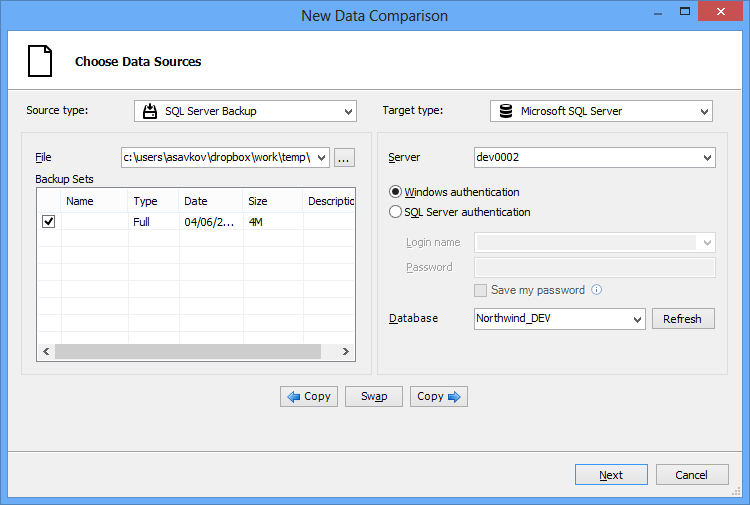
| SQL Server detached database files and backups as comparison source | ||
| Support for all data objects, including tables and views | ||
| Comparison of SQL–query | ||
| Opportunity to update the results of SQL-queries | ||
| Schema (owner) mapping | ||
| Support for column mapping, additional filtering options | ||
| Bulk insert support for Oracle databases | ||
| Bulk insert support for Microsoft SQL Server databases | ||
| Direct copying of data from the source database (MS SQL Server only) | ||
| Command-line comparison and synchronization tool | ||
| Buy from | $300 | $400 |
| We are so confident about our products that if within the first 30 days of purchase you are not completely satisfied, we’ll give you your money back. | Buy now | Buy now |
I’m very happy with SQL Examiner, you can’t imagine how much time I’ve saved in my development efforts and specially when I do releases of the applications I’m developing for my customers. It can trim my release time to production from half a day to an hour or less.
Ricardo Jasso, Entersoft
I want to tell you that the SQL Examiner Suite is a great product. Very well done. I have run it through some challenging synchronization scenarios and it hasn’t let me down once.
David Marine
You and your team have developed a great tool and delivered until now a very high level quality of support.
Michele Notari, IT Project Leader
Tupperware TEAM MBS
SQL Examiner Suite release notes are specific to to each version of the application. Select your version from the list below and see the release notes for it.
SQL Examiner Suite 2023
SQL Examiner Suite 2022
SQL Examiner Suite 2018
SQL Examiner Suite 2016
SQL Examiner Suite 2015
SQL Examiner Suite 2012
SQL Examiner Suite 2010
SQL Examiner Suite 2009
SQL Examiner Suite 2008